When “I don’t know” is the first answer
Offer a concrete choice: Which game? Which move? Which strategy? There’s something to respond to before they need to explain how they feel.

Every session needs an opening. Make yours a little more playful.
Moving from the school day, a busy morning, or another screen into a session isn’t always easy. Opening Play gives you a ready-to-use collection of games and customizable check-ins to help young people settle in, show some personality, and find a starting point for conversation.
For therapists, coaches, and counselors. In person or online.
Choose · Play · Check in
Start with something they can respond to. Then use the opening to find your next move.
Offer a selection of games that fits the person in front of you: strategy, memory, trivia, a little risk-taking, or simply something fun. You control which games appear with easy on/off toggles, and they get a say in where to begin.
A game gives you something to experience together. You might hear a strong opinion, see an inventive strategy, meet their competitive side, or share a laugh. Those moments offer starting points for curiosity without making the young person the subject of every question.
Move into a check-in using Opening Play’s questions or your own. Explore what matters today, reflect on the past week, or decide where to focus next. The transition can feel like a continuation of the interaction you’ve already started.
A useful first move
Sometimes the challenge is finding a first step that feels worth taking.
Offer a concrete choice: Which game? Which move? Which strategy? There’s something to respond to before they need to explain how they feel.
A short activity gives you a shared focus as they transition into the session.
Let the game be the topic for a moment. Conversation can begin with what they chose, noticed, enjoyed, or found surprising.
Make room for humor, preferences, creativity, and a little friendly competition.
Change the activity while keeping a familiar rhythm: choose, play, check in.
Let them choose from the options you’ve made available. Their opening play can become a small first decision in a session you shape together.
Practitioner controls
Keep the experience personal without making setup complicated.
Switch games on or off to curate the selection for their interests, preferences, and the session.
An optional first name on the opening screen makes the experience feel like it’s there for them.
Use the included check-ins or add the prompts that fit your approach.
Some games are played by the client with your guidance. Others invite you to take a turn. Choose what suits the moment.
Open the tool in your browser and share your screen through your usual meeting platform.
Start with a game, try the random question generator, or skip straight to your check-in questions. Choose the opening that fits the person and the moment.
Shared momentum
An online session can begin with a lot of questions and very little momentum. A game introduces something shared: a decision to make, a challenge to try, a surprise to react to.
Opening Play is designed for those first few minutes. Some activities are simply enjoyable warm-ups. Others offer an opening for reflection. You bring the professional judgment, choose the pace, and decide where the session goes next.
The game doesn’t have to do all the work. It gives you somewhere to start.Explore check-in questions for kids and teens

The story behind the tool
Opening Play was developed by Danielle Lloyd, founder of Carolina ADHD Coaching, from games and check-ins she uses with clients from around age nine through their early twenties.
Her approach makes room for different interests, energy levels, and ways of participating. A young person can begin with a choice, a challenge, or something fun before moving into more direct reflection.
Clear choices, varied activities, and flexible participation give practitioners ways to adapt the opening. Guide the game, join in, change the selection, or move into a check-in when it fits.
Every person is different. Choose activities around the individual’s preferences and needs.
Flexible by design
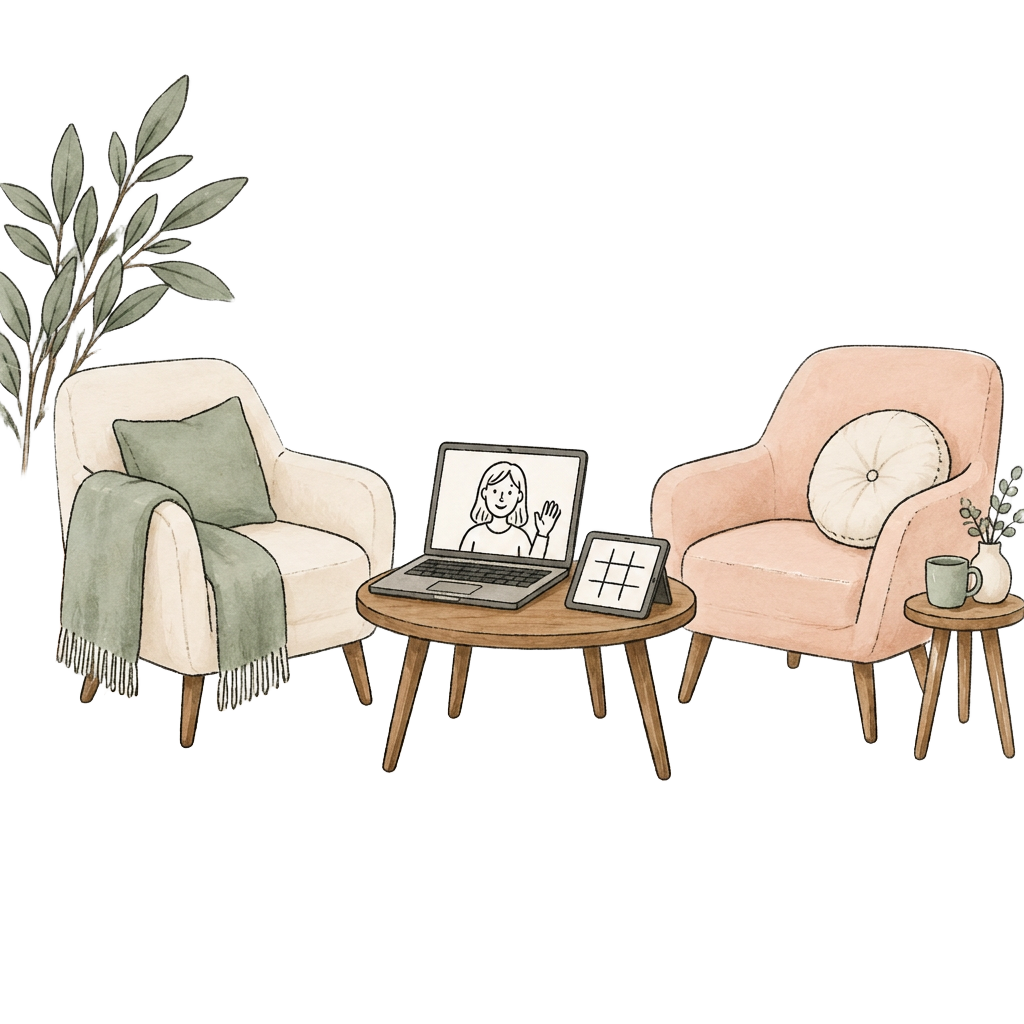
Use a tablet or computer for an in-person session, or share your screen during an online appointment. Opening Play fits alongside your existing approach.
Take a tourFor online use, choose a meeting platform that supports screen sharing, such as Zoom. You can guide the clicks while the client chooses or directs the activity. Opening Play does not provide video calls or require you to move your sessions to a different platform.
More on telehealth games
When clients join a telehealth session, they could be feeling anything: tired, distracted, anxious, excited, or simply unsure of what to say. This is especially true when working with kids, teens, and young adults. Everyone shows up differently, and a screen can make it harder to read the room. That’s why a good opening play — one clients actually look forward to — is one of the simplest ways to set the tone for a productive virtual session.
Though gaming may seem light, a quick, engaging game can be a genuinely useful session warm-up for therapists, coaches, counselors, and educators. It lowers the pressure of a video call, builds rapport, and gives clients an easy way into conversation. A playful start can be especially helpful for young people who find transitions difficult — including those with ADHD or anxiety — a chance to settle in and shift attention toward the session ahead.
The right opening play also gives you something to notice. You might notice which challenges they enjoy, how they respond to a surprising result, or what gets them talking. Use those moments as invitations for curiosity.
The best online games for telehealth sessions are:
Virtual sessions don’t have to feel flat or forced. With the right telehealth games in your toolkit, you can turn those first awkward moments into a warm, engaging start clients remember. Pair your games with customizable check-in questions, or join the early-access list to explore Opening Play for yourself.
Telehealth games are activities you can use during an online session, often by sharing your screen. Opening Play focuses on short session starters, playful challenges, and customizable check-ins for practitioner-led use.
Opening Play includes general warm-up games and reflection prompts. Not every game has a therapeutic focus. The activities are not assessments, diagnostic tools, or a substitute for treatment. Therapists, coaches, and counselors decide how to use them within their own scope of practice.
Opening Play is intended for therapists, coaches, and counselors; a therapy license is not required simply to use the games. Using Opening Play does not confer a professional credential or expand anyone’s scope of practice.
No. When you share your screen or use a shared device, clients can participate without creating an account.
No. Some games are played by the client while you guide the activity. Others let you join in. You choose the game and how to lead it.
Yes. Practitioner controls let you switch games on or off, so the available selection can fit the person and the session.
Yes. Use the included questions or add your own prompts to fit your approach.
Yes, through screen sharing. Open Opening Play in your browser and share it during your call. It is not a native Zoom integration.
You can use the screen-sharing approach with other meeting platforms that support it. Check your platform’s sharing controls and your professional requirements before the session.
Yes. Use a tablet or computer where the client can see the activity, then guide or join in.
It was developed through Danielle’s ADHD coaching practice with flexibility in mind. You can adjust the game selection and how someone participates. Suitability depends on the individual, their preferences, and the activity you choose.
Skip straight to the check-in questions using the built-in shortcut, or try the random question generator for another way to begin. You can offer a different activity or use Opening Play only when it fits the session. Games are always optional.
Join the early-access list to hear when the games, check-ins, and playable tour are ready to explore.
A short product update when practitioner access opens.